

Description
Drive the Beat: Realistic Police Patrol Simulation
Overview
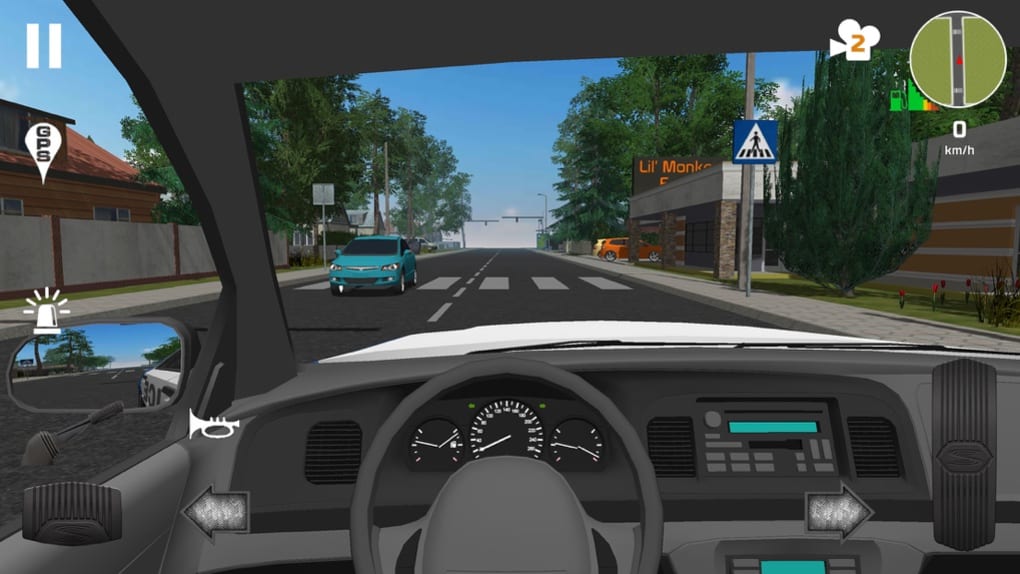
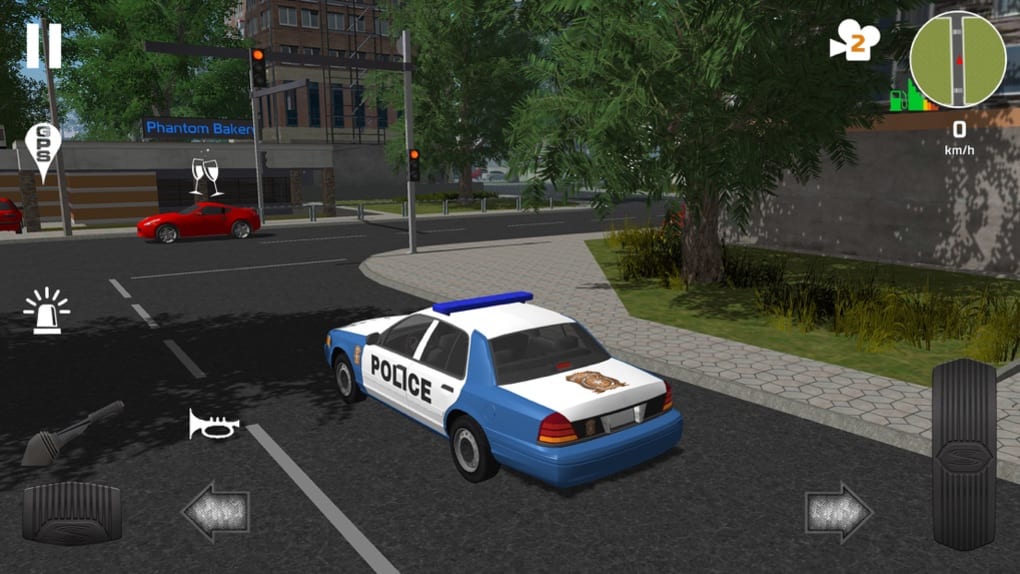
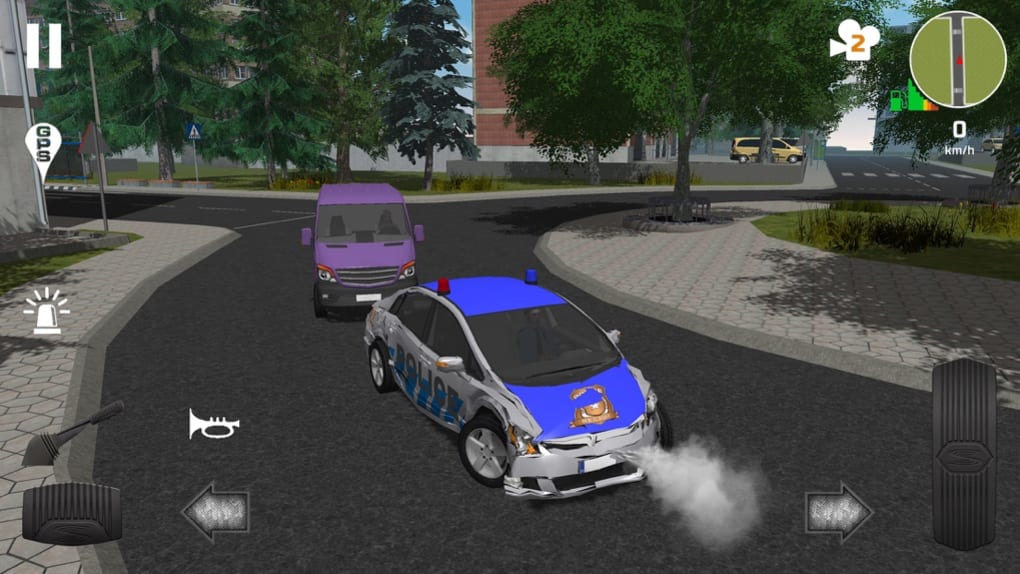
Police Patrol Simulator is a mobile simulation game developed by SkisSoft, designed to offer players a realistic experience of patrolling urban and rural environments as a beat cop. The game focuses on driving mechanics and law enforcement duties, particularly traffic enforcement, rather than action-driven scenarios like pursuits or crime-solving. Its primary purpose is to simulate the daily routine of a patrol officer, emphasizing vehicle operation, map exploration, and routine law enforcement tasks. The target audience includes casual gamers, simulation enthusiasts, and fans of driving games who enjoy methodical, low-intensity gameplay. Real-world usage scenarios include practicing vehicle handling, exploring expansive open-world environments, and experiencing the monotony and responsibility of police patrols. The developer, SkisSoft, has positioned this title as a niche alternative to high-octane police games, focusing on immersion through realism in movement and environment design. While specific details about the development team or prior projects were not provided, the game's design suggests a focus on accessibility and player control customization. The absence of intense action sequences indicates a deliberate design choice to prioritize calm, steady gameplay over adrenaline-driven moments.
Key Features & Capabilities
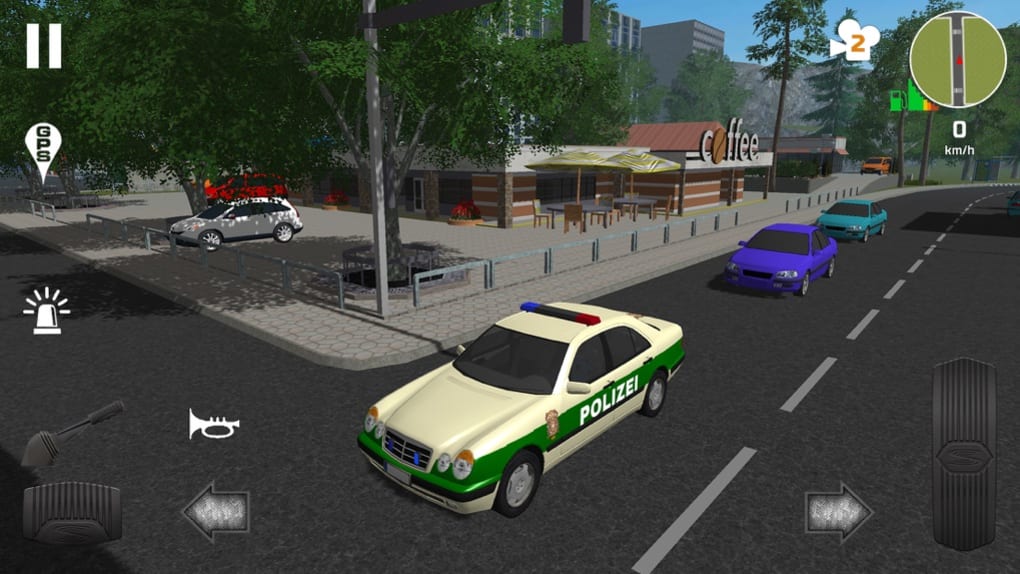
- Open-World Map Exploration – Players can traverse a large cityscape and mountainous regions, offering varied terrain and environmental conditions. This allows for extended patrol sessions and encourages exploration without scripted missions.
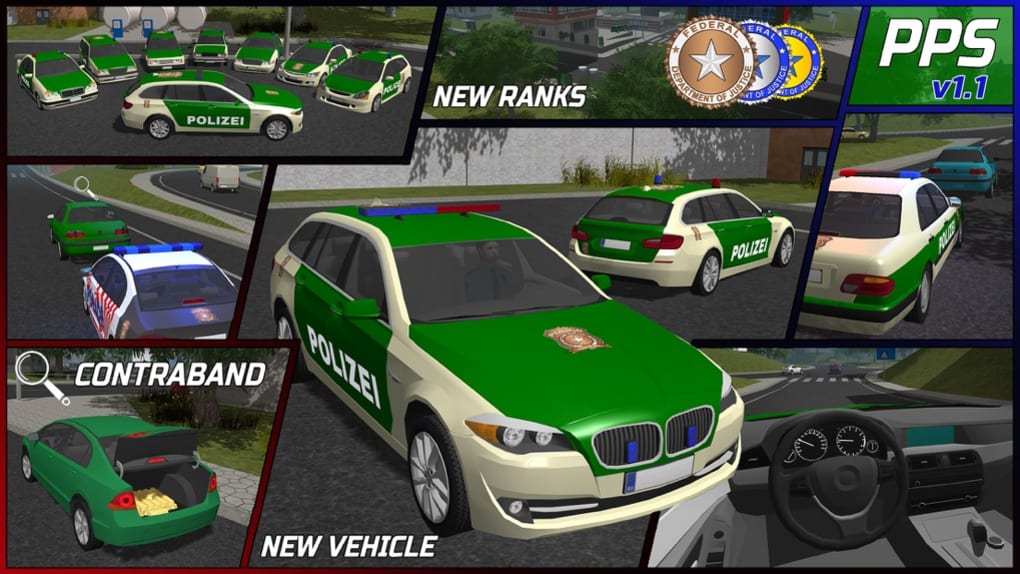
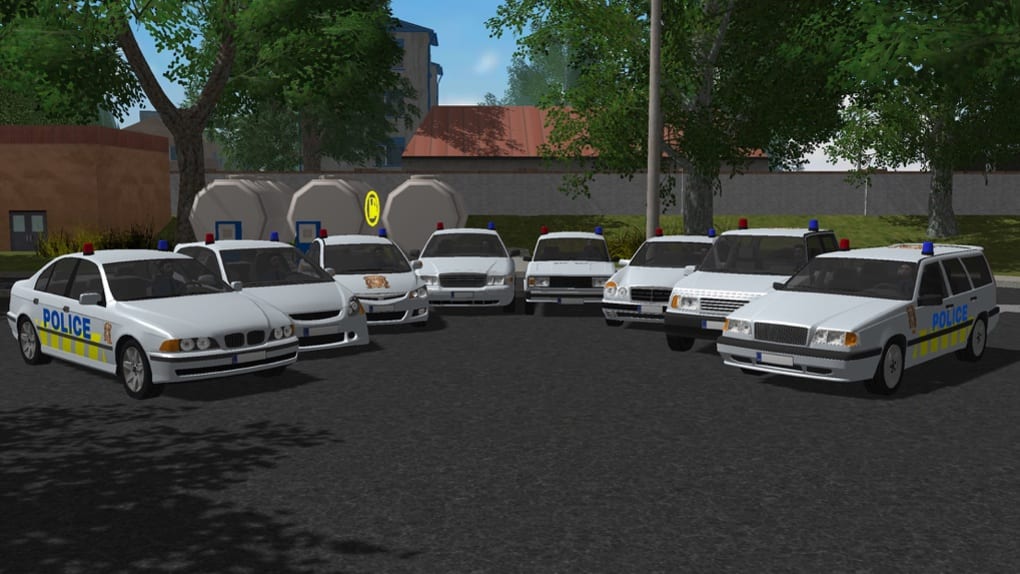
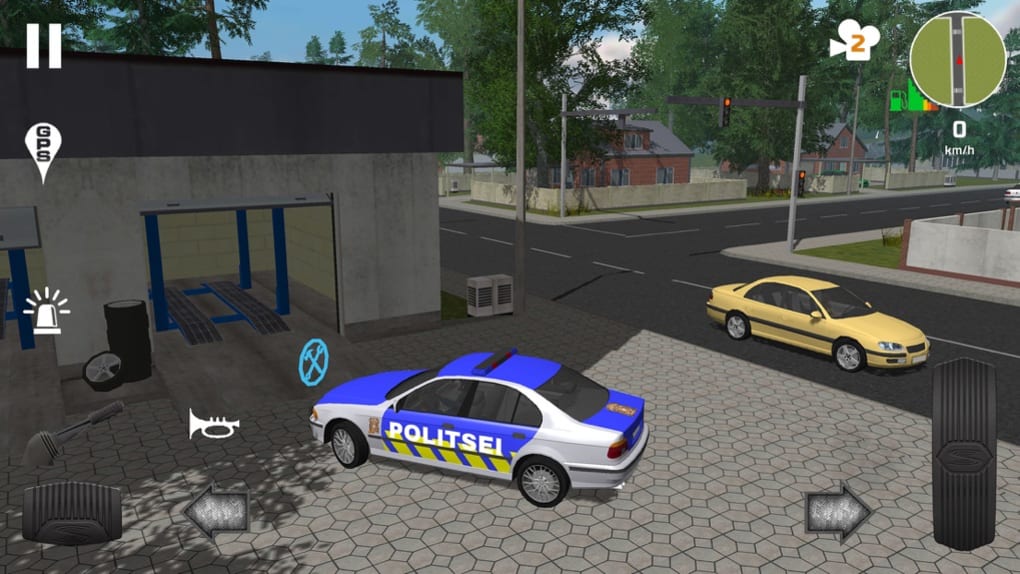
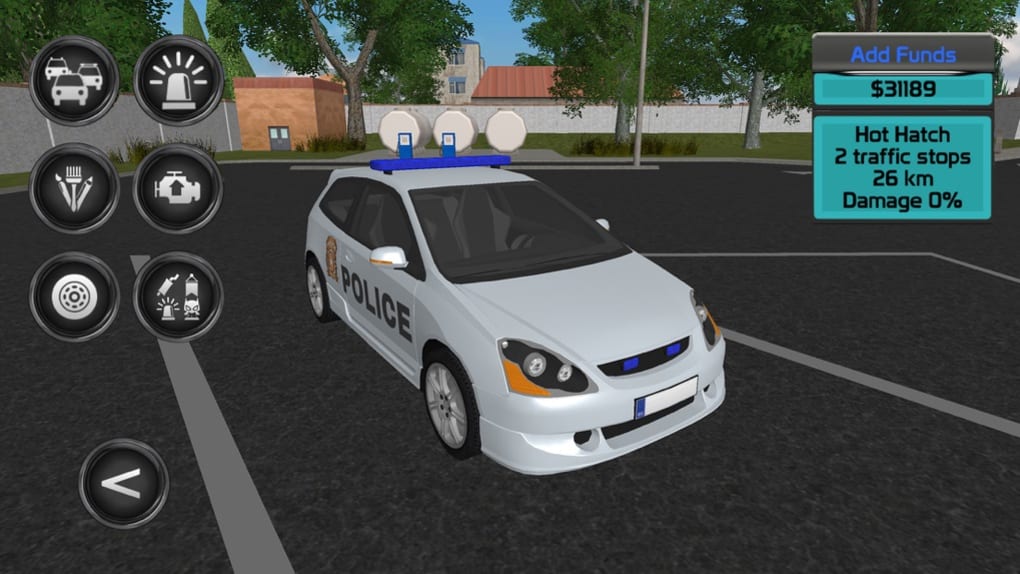
- Police Vehicle Customization – A range of patrol cars is available, with unlockable models earned through in-game currency. This feature enhances personalization and long-term engagement.
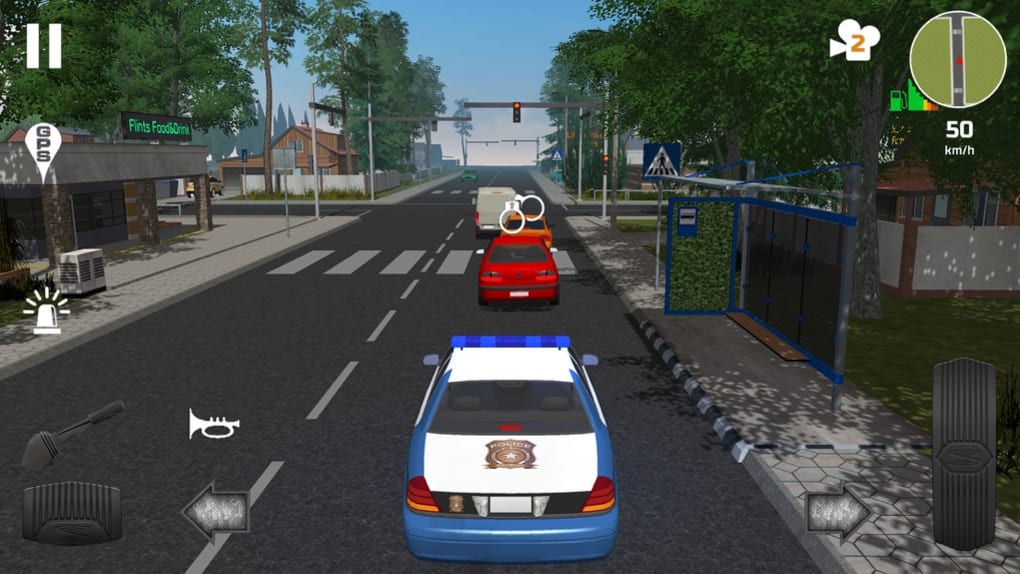
- Multiple Control Options – The game supports tilt, touch, and steering wheel inputs, with adjustable sensitivity settings. This flexibility enables players to choose their preferred method of vehicle control based on device type and comfort.
- Frame Rate Selection – Players can choose between 30 and 60 frames per second, allowing for smoother visuals at the cost of increased battery usage. This option caters to different device capabilities and user preferences.
- Camera View Switching – The ability to change camera angles provides varied perspectives during patrols, enhancing immersion and situational awareness during driving tasks.
These features collectively support a gameplay loop centered on driving, observation, and enforcement of traffic laws. For example, players may use the camera view switch to monitor rear traffic while navigating tight turns, or adjust control sensitivity to improve handling during high-speed chases—though such chases are rare. The customization options allow for a personalized experience, while the open map encourages repeated exploration. However, the lack of dynamic events or mission variety limits the depth of engagement beyond initial novelty.
User Interface, Workflow & Performance
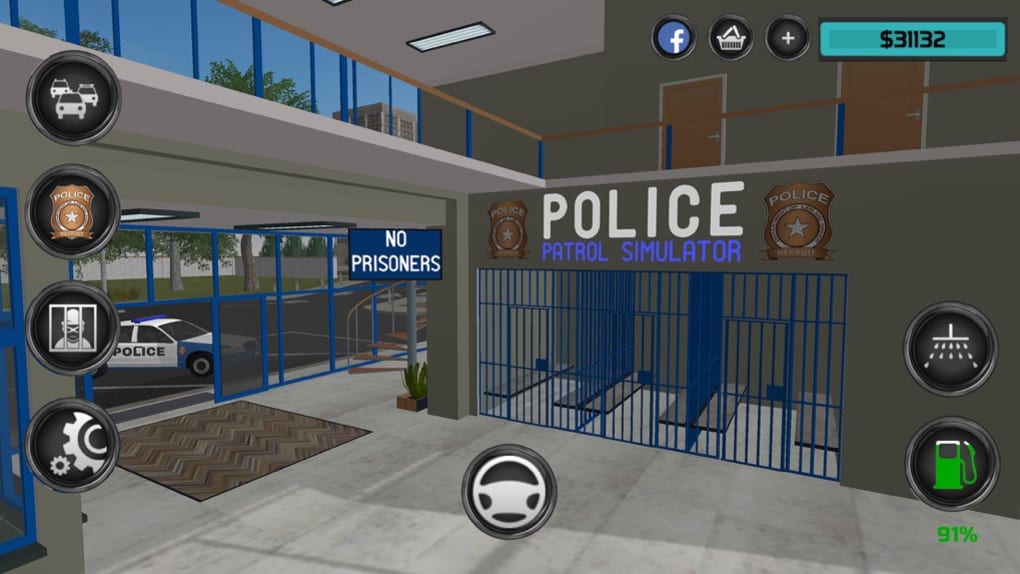
The user interface is structured around core gameplay functions, with menus focused on vehicle selection, control settings, and camera adjustments. Navigation is straightforward, relying on intuitive icons and layered menus. The workflow begins with selecting a patrol vehicle and configuring controls before launching into the open world. While the interface is minimalistic, it does not appear cluttered, allowing players to access key options quickly. The game’s performance is consistent with typical mobile simulation titles, though the developer did not specify resource usage details. Some users may experience minor input lag, particularly during sharp turns, which can affect driving precision. Performance observations are based on general software behavior patterns. Stability appears acceptable for short sessions, but extended gameplay may reveal minor frame drops on lower-end devices. The game does not report crashes or bugs in public documentation. Overall, the workflow supports a relaxed pace, aligning with the game’s emphasis on methodical patrol duties rather than rapid decision-making.
Compatibility & System Requirements
Police Patrol Simulator is available on both Android and iOS platforms, making it accessible to a wide range of mobile users. The software version is listed as 1.0, indicating a stable initial release. The installation size is 200 MB, which is modest for a simulation game with open-world elements. This suggests efficient asset compression and optimized resource loading. However, exact system requirements were not listed. Compatibility information was partially provided, leaving details about minimum CPU, RAM, or GPU specifications unconfirmed. The developer did not provide additional system requirements. Players should ensure their device meets general mobile gaming standards, especially for smooth frame rate performance. No specific hardware dependencies were mentioned.
Pros and Cons
Pros
- Free to download and play with no in-app purchases required
- Extensive open-world map for exploration across diverse terrains
- Multiple control schemes with adjustable sensitivity for personalized gameplay
- Frame rate options to balance smoothness and battery efficiency
- Camera view switching enhances immersion during patrols
Cons
- Limited gameplay variety beyond driving and traffic enforcement
- Minimal action or dynamic events reduce engagement over time
- Input lag reported in some scenarios, affecting driving precision
- Low replay value due to repetitive task structure
- Only two frame rate options available (30 and 60 fps)
FAQ Section
Is Police Patrol Simulator available on both Android and iOS?
Yes, the game is compatible with both Android and iOS devices, allowing users on either platform to download and play.
Is the game completely free to play?
Yes, Police Patrol Simulator is available at no cost. There are no upfront fees or mandatory in-app purchases required to access core gameplay features.
Does the game require an internet connection?
The game can be played offline after initial download. However, some features may require connectivity for updates or cloud-based data.
How often are updates released?
Specific update frequency was not provided. Players should check their app store for the latest version and release notes.
Can I customize my police car?
Yes, players can unlock and customize various police vehicles using in-game currency earned through patrols.
Final Thoughts
Police Patrol Simulator delivers a unique, low-stakes simulation experience centered on driving and routine law enforcement duties. While it lacks the action and variety found in mainstream police games, its focus on realism, map exploration, and control customization sets it apart. The game is best suited for players seeking a calm, immersive experience rather than high-intensity gameplay. Its free availability and accessible design make it ideal for casual users and simulation enthusiasts. However, the repetitive nature of tasks and limited dynamic content may lead to decreased interest over time. For those who appreciate the rhythm of patrol work and enjoy driving mechanics, this title offers a solid, if niche, option. Download Police Patrol Simulator now and experience the quiet rhythm of city patrols.
Guides & Tutorials for Police Patrol Simulator
How to install Police Patrol Simulator
- Click the Preview / Download button above.
- Once redirected, accept the terms and click Install.
- Wait for the Police Patrol Simulator download to finish on your device.
How to use Police Patrol Simulator
This software is primarily used for its core features described above. Open the app after installation to explore its capabilities.
User Reviews for Police Patrol Simulator 0
No reviews found





